iPhone app · Now in beta
Your bikes.Taken care of.
GoBike plans your next service. Your Bike Pass and receipts are close at hand. If your bike breaks down, the app shows what to do next. For every bike, every brand.
Invitation by email, install via TestFlight. iOS 26 or later.
We only use your details to reply to you. Details in our privacy policy (in German).
- Free & independent
- For all brands
- AI assistant that knows your bike
- Bike Pass for theft reports
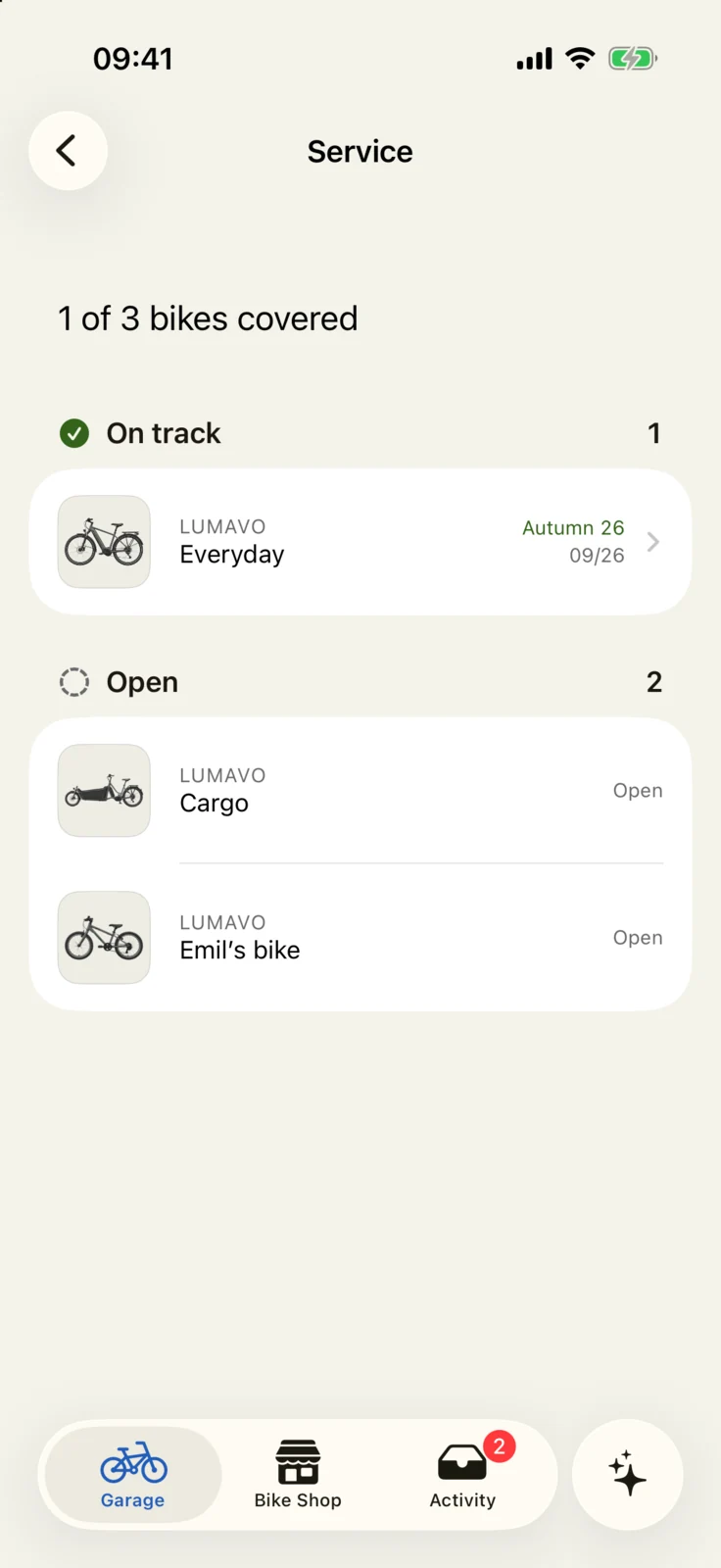
What belongs to which bike? What’s due next? GoBike shows you.
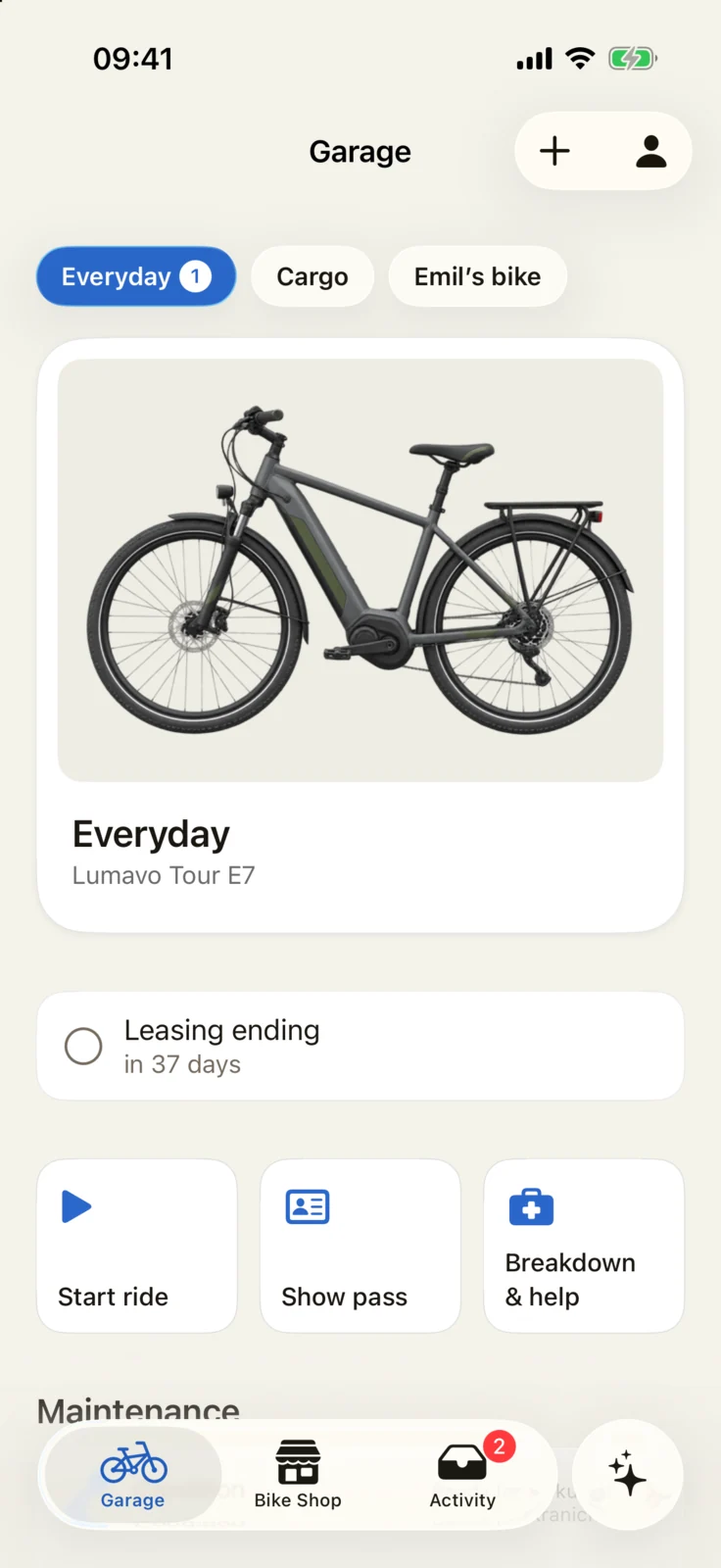
Garage
All your bikes. One app.
Road bike, e-bike, cargo bike or the kids’ bikes: Bike Pass, maintenance and documents in one place. Switch bikes with a tap.
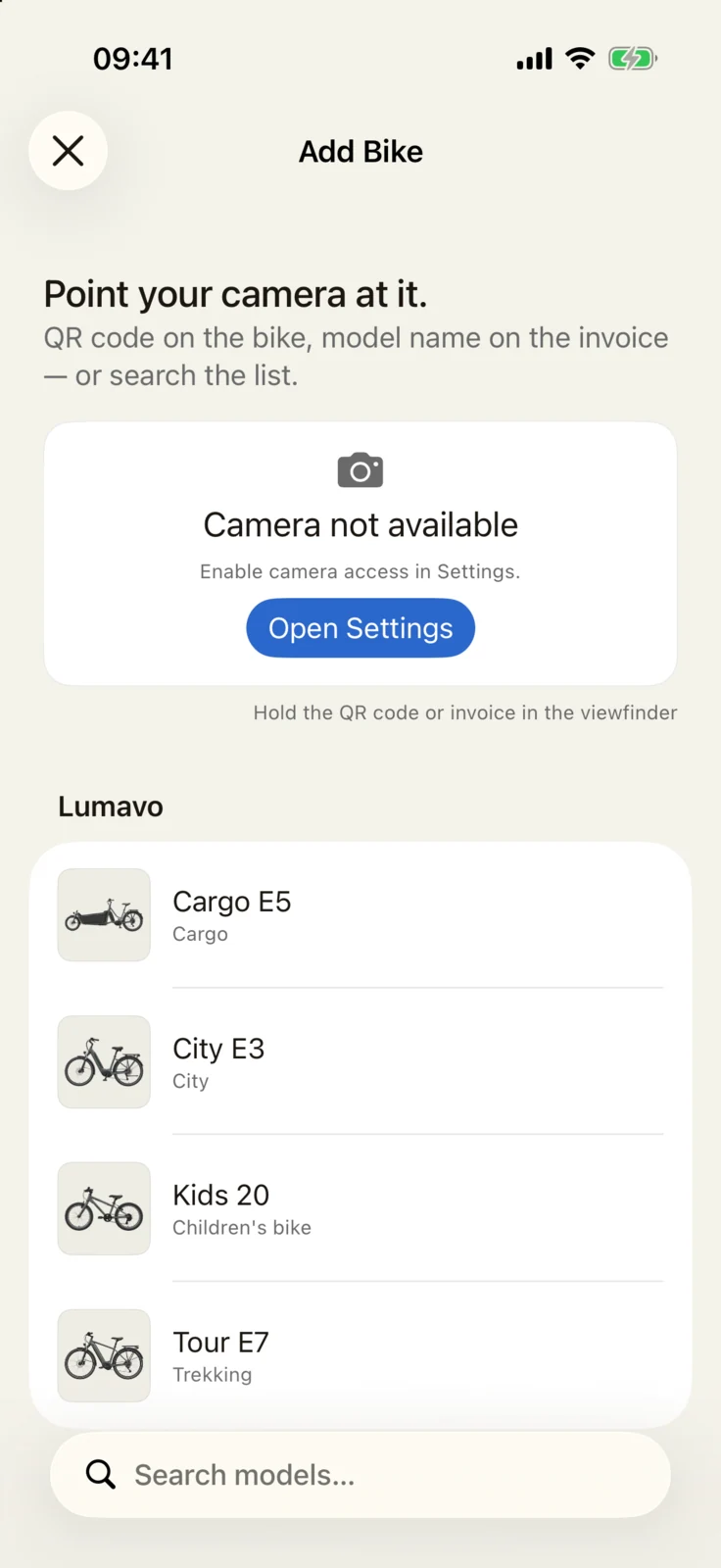
- Quick to add. Scan a QR code, photograph a receipt or search for the model.
- See your model. GoBike shows a manufacturer photo for many models.
- On your Home Screen. A widget shows if your bike needs maintenance.
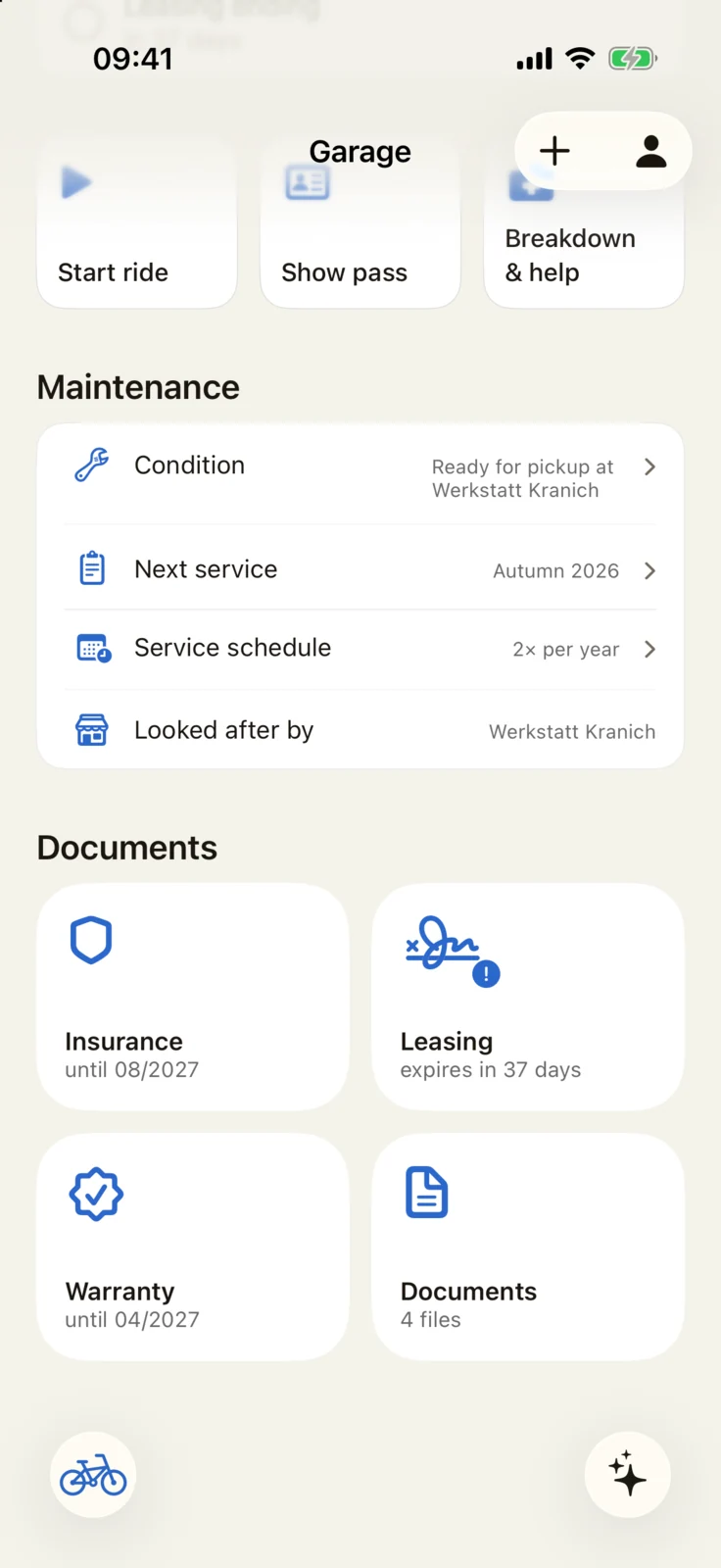
Maintenance
Always in good shape. Without thinking about it.
GoBike reminds you before service is due or your lease, insurance or warranty expires.
- Next service at a glance. Once or twice a year. About eight weeks before the season, GoBike suggests a date.
- Leasing a company bike? GoBike reminds you three months before the lease ends.
- Booked an appointment in the beta? A reminder two days before, and another on the morning.
- Your service history. What was done, who did it and what it cost.
Bike Pass and documents
Everything at hand, when you need it.
Your Bike Pass lists the brand, model and frame number, with receipts and contracts alongside.
- Documents that sort themselves. Scan a receipt or insurance policy. GoBike identifies it on your iPhone, not in the cloud.
- Contracts at a glance. Dates and reminders for insurance, leasing and warranty.
- Room for the worst case. Frame number, security marking, photo, proof of purchase and contact details for a theft report. Add them yourself, or let your workshop do it.
Well cared for – and you can prove it.
Selling or passing on a bike – or returning a company bike? Share the Bike Pass with its service history as a PDF. It shows what work has been done.
Breakdown & help
Stuck on the road? One tap.
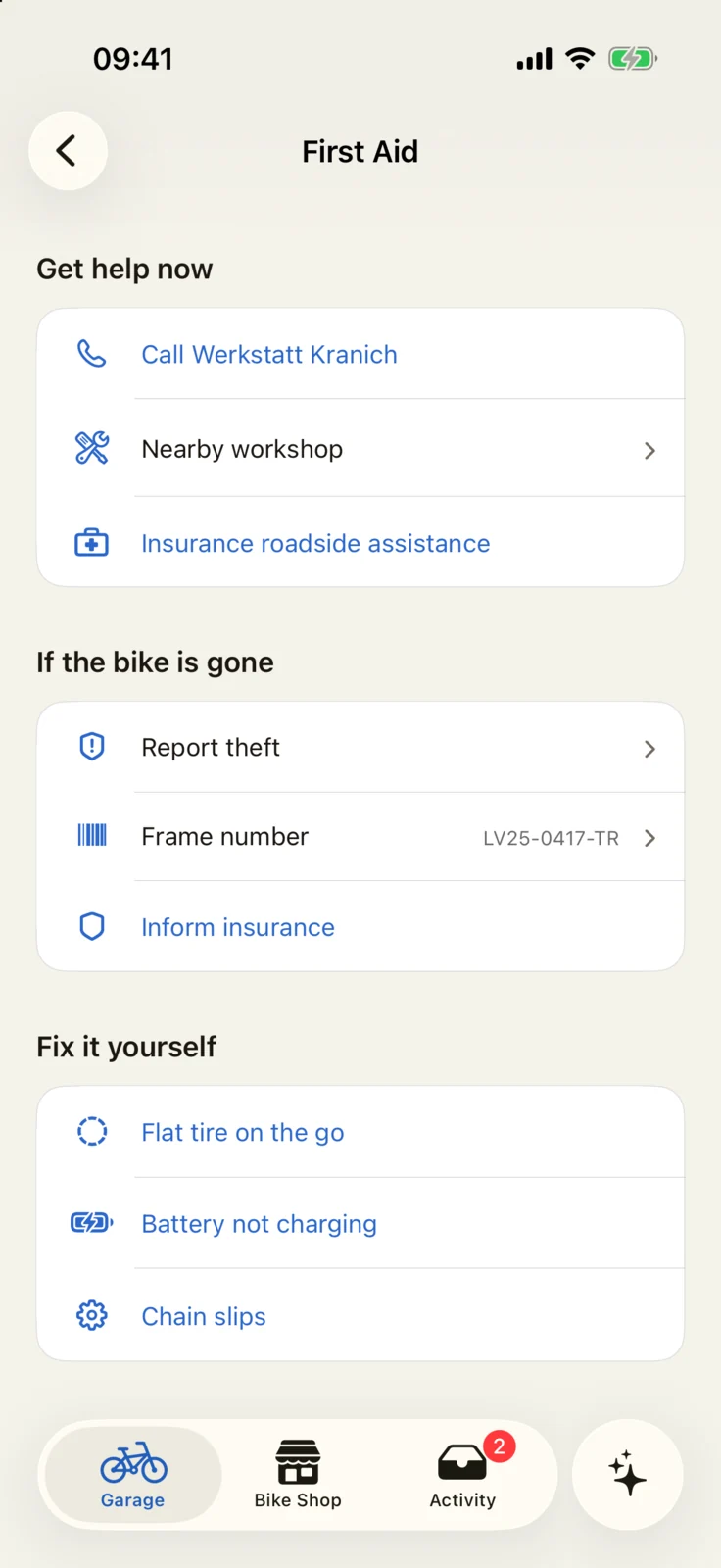
Flat tyre, chain off, bike gone? GoBike shows you what to do next.
- Help nearby. Call your workshop or find a workshop nearby.
- If your bike is gone. Frame number at hand, call the police, share your location.
Ask your bike.
The AI assistant knows your bike’s details and history. Its answers about flat tyres, batteries and care fit your bike.
Workshop
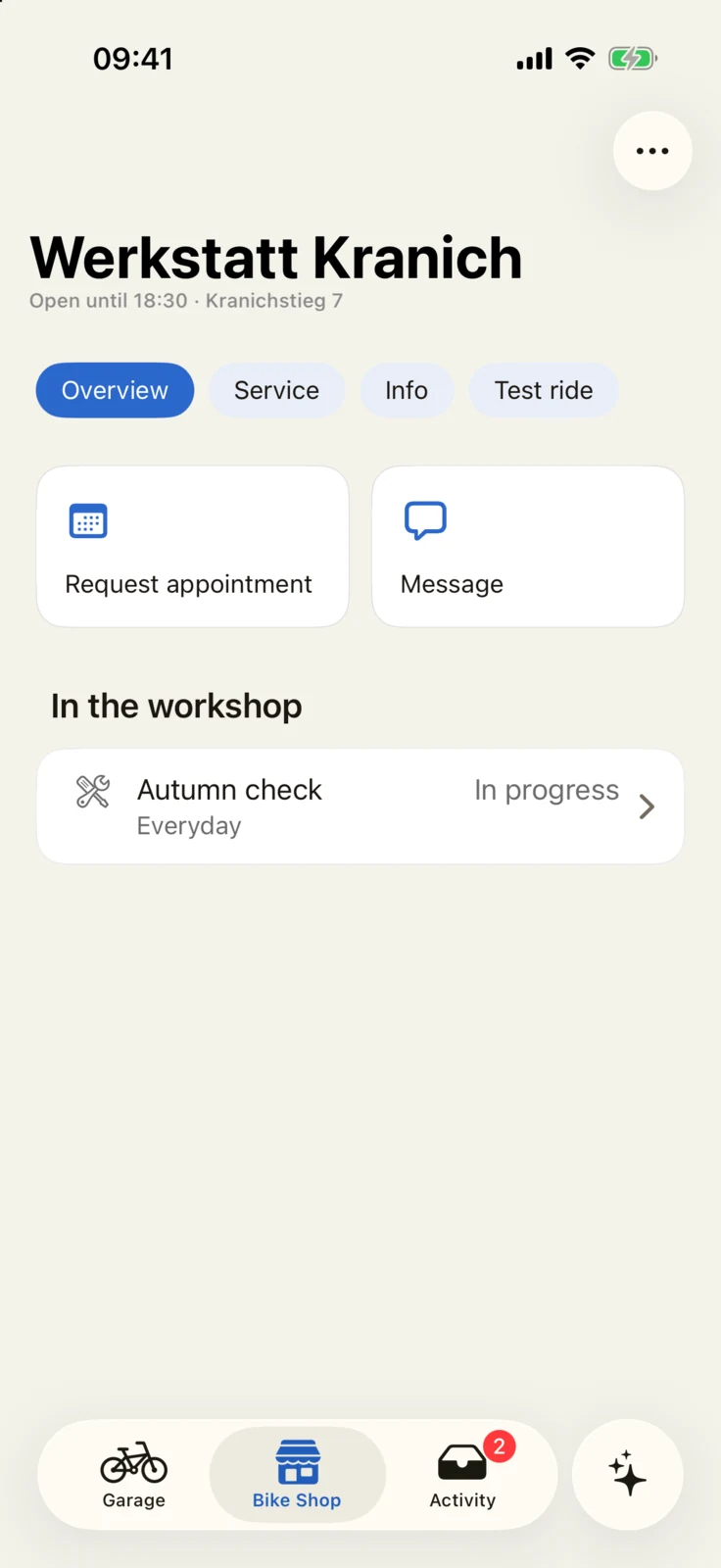
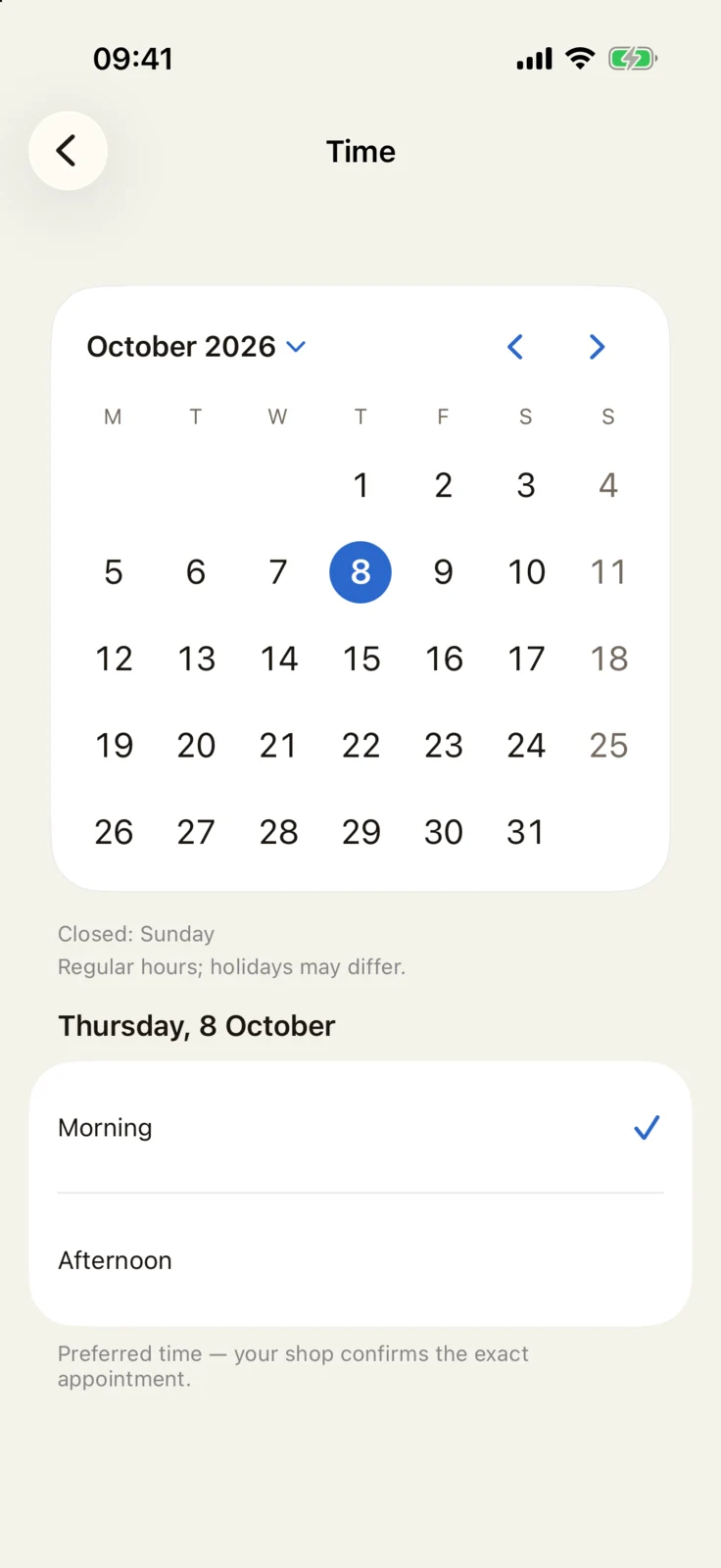
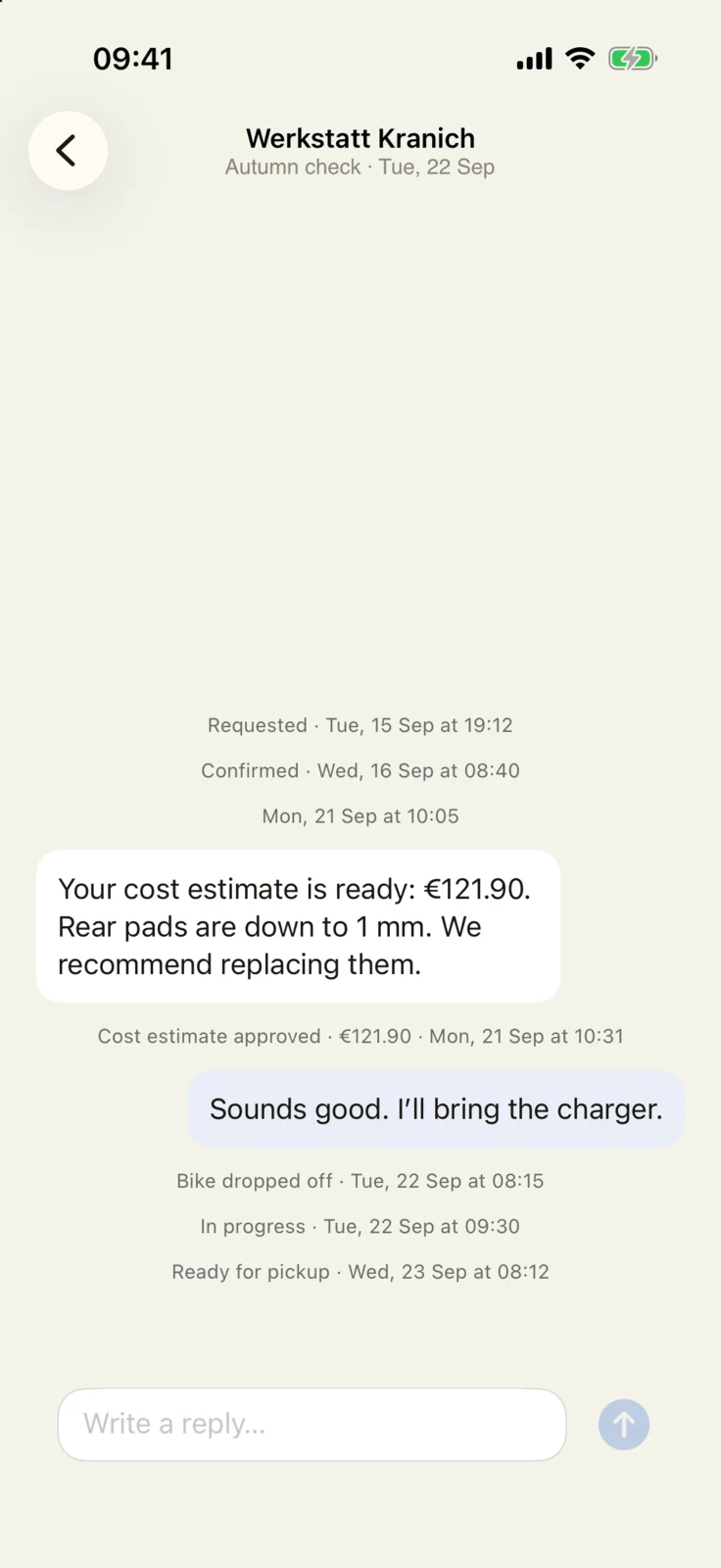
Appointments and cost estimates right in the app
Request an available slot, see when your bike is ready and approve a cost estimate with a tap.
In betaTry it out with demo workshops.
We only use your details to reply to you. Details in our privacy policy (in German).
Want your workshop on board? Show them GoBike for bike shops.
Ecosystem
Your components. In one place.
Connect your bike’s components to GoBike. Find them beside your Bike Pass, maintenance and documents – instead of in a different app for each brand.
Beta
Join in three steps
You need an iPhone with iOS 26 and an email address.
Send an email
Tap “Request a beta invitation” and send the prepared email.
Get your invitation
We send each invitation ourselves to the email address you write from. It includes a link to TestFlight, Apple’s app for beta versions. Check your spam folder too.
Get started
Download TestFlight from the App Store. Install GoBike through it. Sign in with an email code and add your first bike. The beta may still have bugs. Send feedback through TestFlight.
We only use your details to reply to you. Details in our privacy policy (in German).
Frequently asked questions
How much does GoBike cost?
Nothing. The app is free, with no subscription and no in-app purchases.
Do I need an account?
Yes. You sign in with a code sent to your email, no password. You can delete your account right in the app at any time.
Who can see my bike?
You give your workshop access and can disconnect at any time. Documents and photos stay on your iPhone. No advertising IDs or tracking across other apps and websites. Our aim: others see only the data they need – anonymised where possible, otherwise only with your consent. Details are in our privacy policy (in German).
What happens to my data when I switch iPhones?
Documents and photos stay on your iPhone. There is no automatic backup for them yet. You can save your Bike Pass with its service history as a PDF.
Can I share GoBike with my family?
Not yet. All your family’s bikes fit in one Garage on one iPhone. They are not visible on a second iPhone. You can share the Bike Pass with its service history as a PDF.
Does GoBike work without a workshop?
Yes. Appointments, cost estimates and messages are available with demo workshops in the beta. You can enter your own service work, or work done elsewhere.
When will GoBike be on the App Store?
We’re preparing for launch. If you ask, we’ll email you once when GoBike launches. Until then, you can use the beta.
Start with one bike.
Add the rest whenever you like.
We only use your details to reply to you. Details in our privacy policy (in German).
Email won’t open? Write to hello@gopassion.io